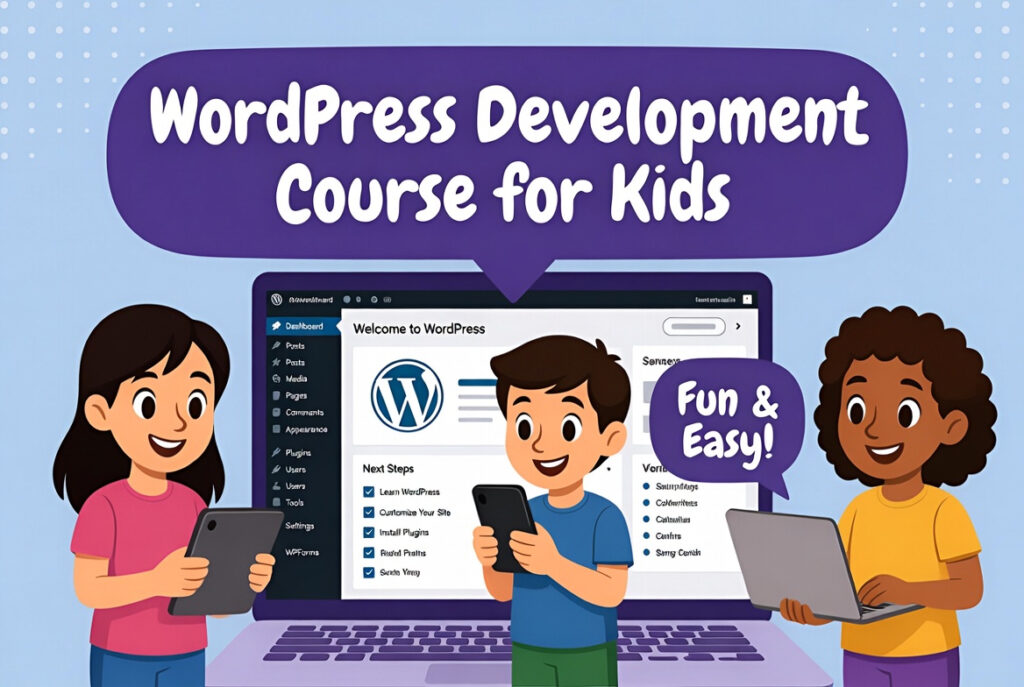
Word Press Development Kids Course introduction
What is Word Press Development?
First, Word Press helps kids create their own websites. They learn to design pages and add content easily. It uses themes, plugins, and simple tools. Moreover, kids can see results instantly online. Also, skills can later help in freelancing projects.
How Kids Learn Word Press:
Next, kids start with basic Word Press setup. They use drag-and-drop tools like Elementor course. Then, they create posts, pages, and menus. Additionally, they add images, videos, and fun features. Thus, learning becomes simple and interactive.
Benefits of Word Press for Kids:
Finally, kids improve creativity and computer skills. They understand online business and website management. Also, they can start small freelancing jobs online. Moreover, skills prepare them for future tech courses. Hence, Word Press learning is fun and useful for kids.
Why Learn Word Press for Kids?
Boost Creativity Early:
First, kids design websites and layouts themselves. They add images, videos, and fun colors easily. As a result, imagination turns into real websites. Moreover, creative skills grow while they practice. Also, this helps in school and personal projects.
Gain Tech and Computer Skills:
Next, kids learn basic coding, plugins, and themes. They understand how websites work step by step. Additionally, they explore online tools like Elementor. Thus, computer confidence grows naturally. Also, tech skills prepare them for future jobs.
Freelancing and Future Opportunities:
Finally, kids can start small online projects. They create websites for friends or family easily. Moreover, freelancing helps them earn pocket money. Learning Word Press opens doors for online business. Hence, kids get early career exposure and fun.
How to Learn Word Press for Kids?
Start with Basics:
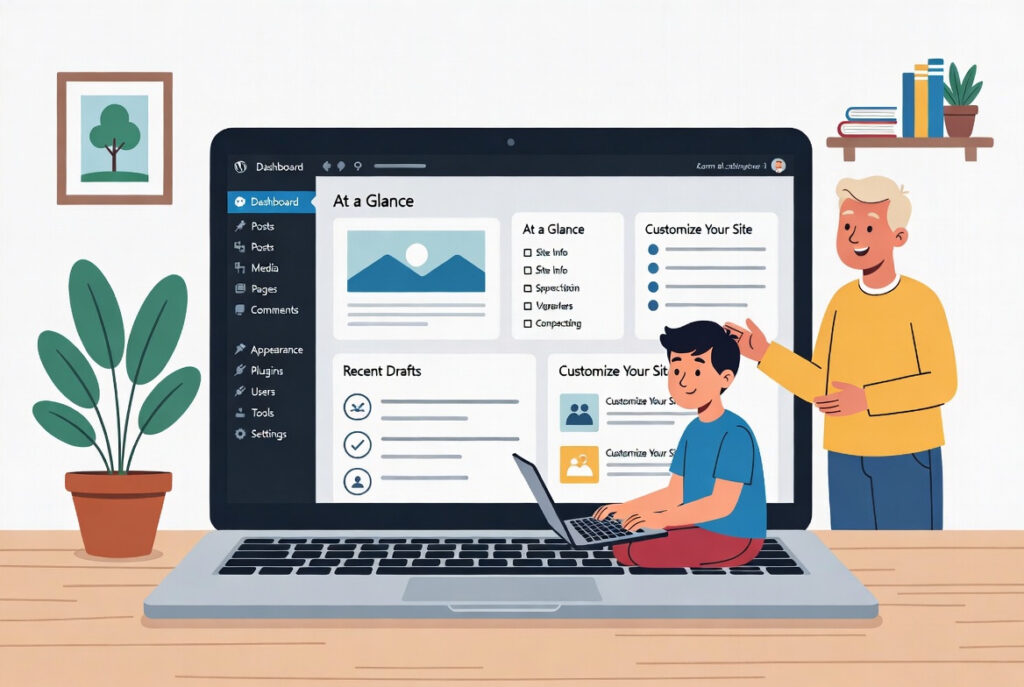
First, teach Word Press setup and dashboard. Add pages, posts, and simple menus first. Then, explore themes and basic plugins step by step. Also, show how to save and preview changes. Thus, learning stays simple and enjoyable.
Practice with Fun Projects:
Next, build a blog, portfolio, or mini website. Use drag-and-drop tools like Elementor for easy design. Add images, text, and videos to make it lively. Moreover, kids learn faster while creating real projects. Also, projects can be shared online safely.
Explore Advanced Tools Slowly:
Finally, teach small plugins for contact forms or galleries. Show simple SEO tools for better visibility. Additionally, introduce basic freelancing opportunities. Kids learn responsibility and online safety together. Hence, they gradually become confident Word Press developers.