Video Editing Kids Course – Introduction
Learning Video Editing Basics for Kids:
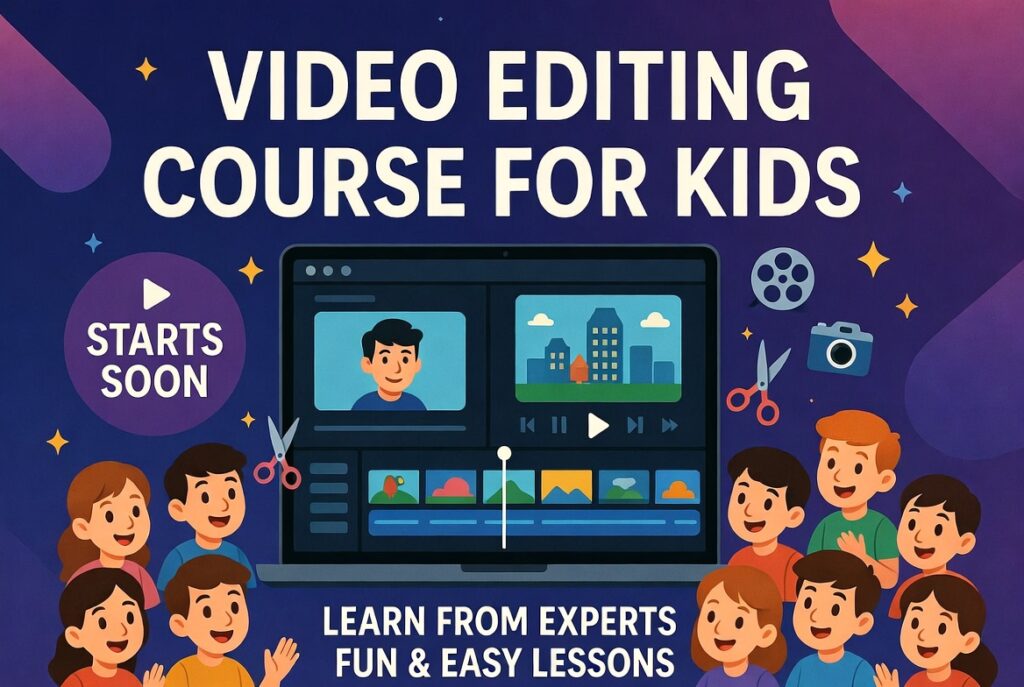
First, kids learn what Video Editing means. They cut, trim, and arrange video clips. Then, they add music and simple effects. So, videos look fun and interesting. Thus, kids enjoy learning creatively.
Using Fun Editing Tools and Effects:
Next, kids use easy video editing software. They learn transitions, stickers, and text. Moreover, colors and sounds make videos lively. So, creativity grows step by step. As a result, confidence increases fast.
Creativity, Sharing, and Future Skills:
Finally, kids create videos for YouTube. They share stories through simple video projects. Also, freelancing starts with basic editing skills. Some kids later learn Graphic Design courses too. Hence, video editing builds future digital skills.
Why Learn Video Editing for Kids?
Boost Creativity:
First, video editing helps kids express ideas. They combine clips, music, and effects creatively. So, imagination grows while they work. Also, they learn to tell stories visually. Thus, kids become confident in digital creation.
Gain Useful Digital Skills:
Next, kids learn editing tools and software easily. They practice cutting, adding text, and transitions. Moreover, these skills help in school projects. Also, they prepare for digital careers early. Hence, video editing teaches real-world tech skills.
Start Freelancing Early:
So, kids can create videos for friends or family. They learn freelancing through small projects. Also, some start making money online safely. Also, courses like Graphic Design help too. So, skills open fun opportunities for the future.
How to Learn Video Editing for Kids?
Begin with Simple Tools:
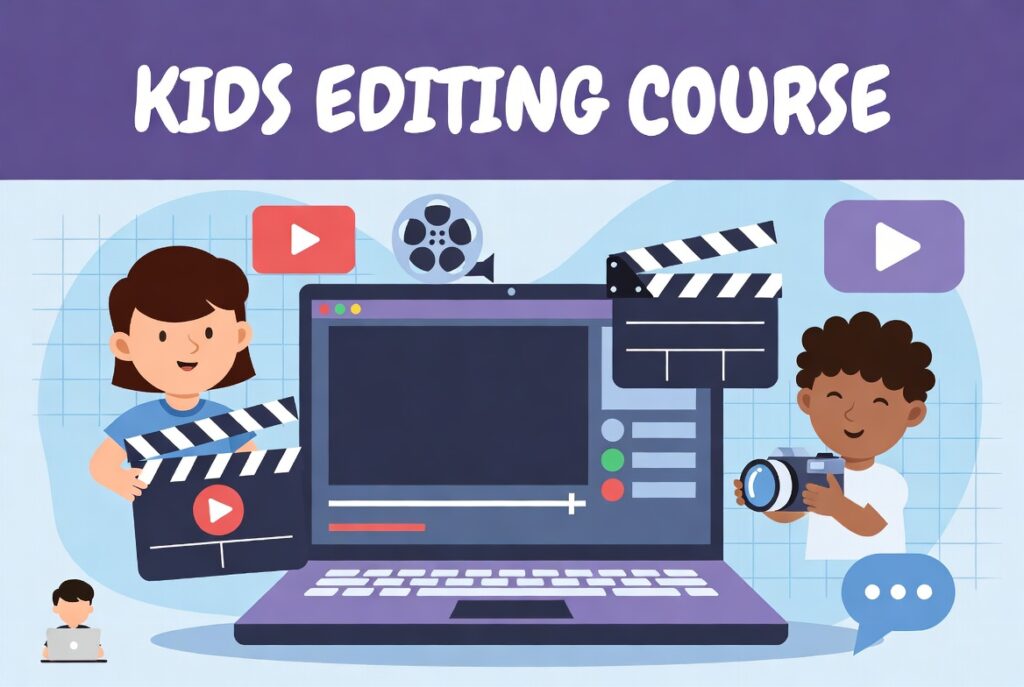
First, start with kid-friendly software like Filmora. They drag, drop, and add effects easily. Then, practice short clips every day. So, learning feels fun and simple. Thus, basics become strong fast.
Learn Step by Step:
Next, explore transitions, text, and music gradually. They combine video clips with guidance. Also, watch tutorials to learn tricks quickly. So, practice makes editing smoother each day. Hence, skills grow with little effort.
Make Projects and Share:
Finally, kids create mini videos or stories. They can share with family or class safely. Also, small projects teach freelancing basics. So, advanced courses like Animation help later. Thus, learning becomes fun and goal-oriented.