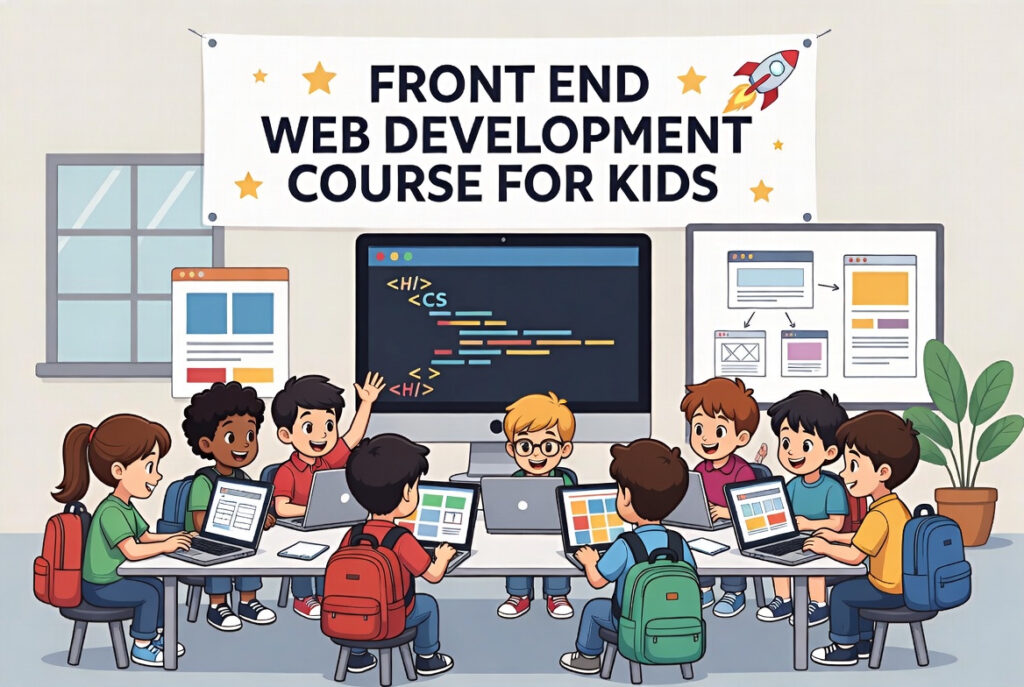
Front-End Web Development course for kids
Fun with Front-End Basics:
First, kids learn HTML, CSS, and JavaScript. They build colorful websites step by step. Moreover, they see results instantly in the browser. This helps them understand coding in a fun way. Also, they start thinking like young web designers.
Design and Interactive Websites:
Next, kids create buttons, images, and animations. They learn layouts, fonts, and colors easily. Additionally, interactive websites make learning exciting. They also explore responsive designs for phones and tablets. As a result, creativity grows while coding skills improve.
Skills for Projects and Freelancing:
Finally, kids make their own small projects. They can share websites with friends or family. Moreover, basic projects help start freelancing early. Courses like “Kids Web Developer” guide step by step. Thus, learning front-end opens fun opportunities online.
Why Learn Front-End Web Development?
Build Creativity and Skills:
First, kids create colorful websites and designs. They learn coding while having fun every day. Moreover, they solve small problems with logic. This improves creativity and technical thinking together. As a result, kids gain confidence in digital skills.
Early Career and Freelancing Start:
Next, learning front-end opens freelancing opportunities. Kids can make simple websites for friends or small projects. Also, basic projects teach responsibility and teamwork. Courses like “Kids Web Developer” guide their first steps. Thus, early learning can shape future career paths.
Understand the Digital World:
Finally, kids understand how websites work online. They learn about browsers, layouts, and interactive elements. Additionally, they explore mobile-friendly and responsive designs. This knowledge helps them in school projects and hobbies. Hence, kids become confident creators in a digital world.
How to Learn Front-End Web Development?
Start with Basics:
First, learn HTML to structure websites. Then, use CSS to make designs colorful and neat. Next, add JavaScript for interactive features. Practice small pages every day to get better. Thus, basics make learning advanced topics easier.
Build Simple Projects:
Next, create mini-projects like a portfolio or blog. Use buttons, forms, and images to make it fun. Also, share projects with family or friends. Projects make coding practical and enjoyable. As a result, kids see instant results of their work.
Explore Tools and Next Courses:
Finally, use kid-friendly tools like Scratch or Code.org. Try simple frameworks or templates for practice. Additionally, courses like “Kids Web Developer” guide step by step. Keep building small websites to improve daily. Hence, learning becomes fun and continuous.