Bootstrap training course for kids
What is Bootstrap Training
First, Bootstrap is a tool to make websites look nice. It helps kids create buttons, menus, and layouts fast. Moreover, it uses ready-made templates and designs. So, kids learn web designing in a fun way. This course also introduces HTML and CSS basics.
How Kids Learn Bootstrap
Next, kids start with small projects like a portfolio page. They practice grids, colors, and responsive designs. Additionally, they use online editors to see results instantly. As a result, learning becomes easy and exciting. Also, this course connects well with a basic web development course.
Why Bootstrap Skills Matter
Finally, Bootstrap helps kids make professional websites fast. It teaches creativity, coding, and design together. Moreover, kids can do small freelance projects online. They gain confidence in web design and development. Hence, Bootstrap opens opportunities for fun learning and future work.
Why Learn Bootstrap?
Build Websites Easily
First, Bootstrap helps kids design websites quickly. It has ready-made templates and styles. So, even beginners make professional websites. Additionally, it teaches creativity and coding together. Hence, kids enjoy learning and building projects fast.
Boost Creativity and Skills
Next, kids learn colors, layouts, and responsive designs. They explore new ideas while coding and designing. Moreover, Bootstrap improves problem-solving skills. As a result, kids gain confidence in technology. Also, skills can help with small freelance projects later.
Prepare for Future Courses
Finally, Bootstrap connects well with web development courses. Kids can move to HTML, CSS, and JavaScript easily. Additionally, it opens doors for advanced design learning. So, learning Bootstrap is a strong foundation. It prepares kids for future tech opportunities.
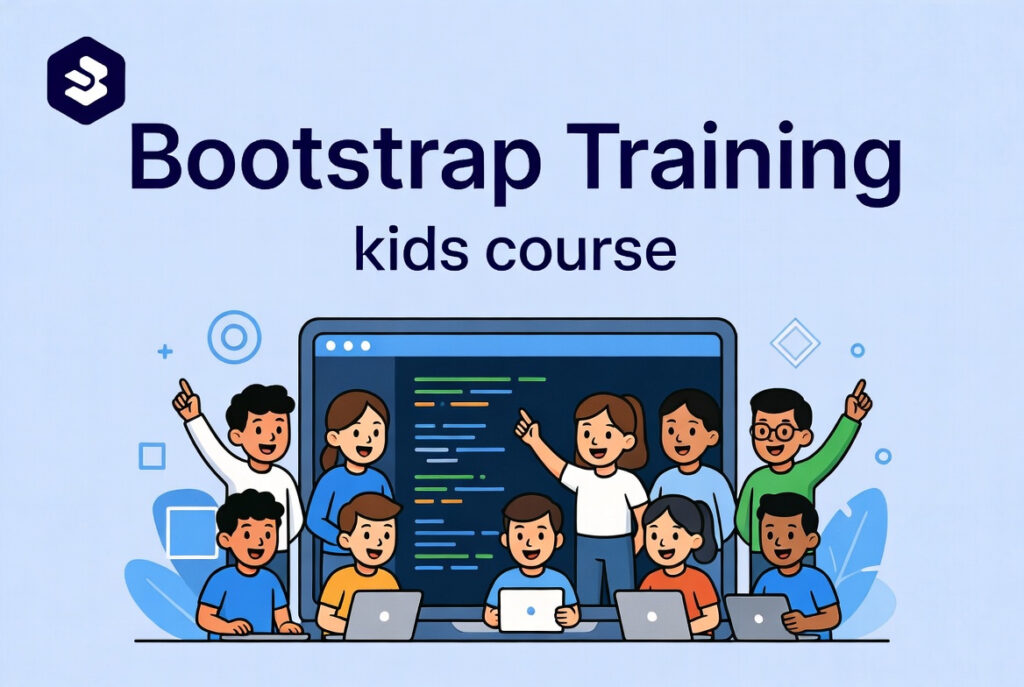
How to Learn Bootstrap?
Start with Basics
First, learn grids, buttons, and menus in Bootstrap. Practice using templates and ready-made components. Then, try small projects like a portfolio page. So, kids understand design and layout quickly. Also, it makes learning fun and interactive.
Practice with Projects
Next, create small websites or landing pages. Add images, colors, and navigation bars. As a result, skills improve fast through practice. Additionally, projects can be shared online for feedback. This also introduces kids to freelancing possibilities.
Explore Advanced Tools
Finally, learn responsive design for phones and tablets. Try customizing templates to make unique designs. Moreover, explore Bootstrap with JavaScript for animations. So, kids gain advanced skills while having fun. This sets a strong base for other web development courses.