Google Sheets course for kids introduction
Learning Google Sheets Basics
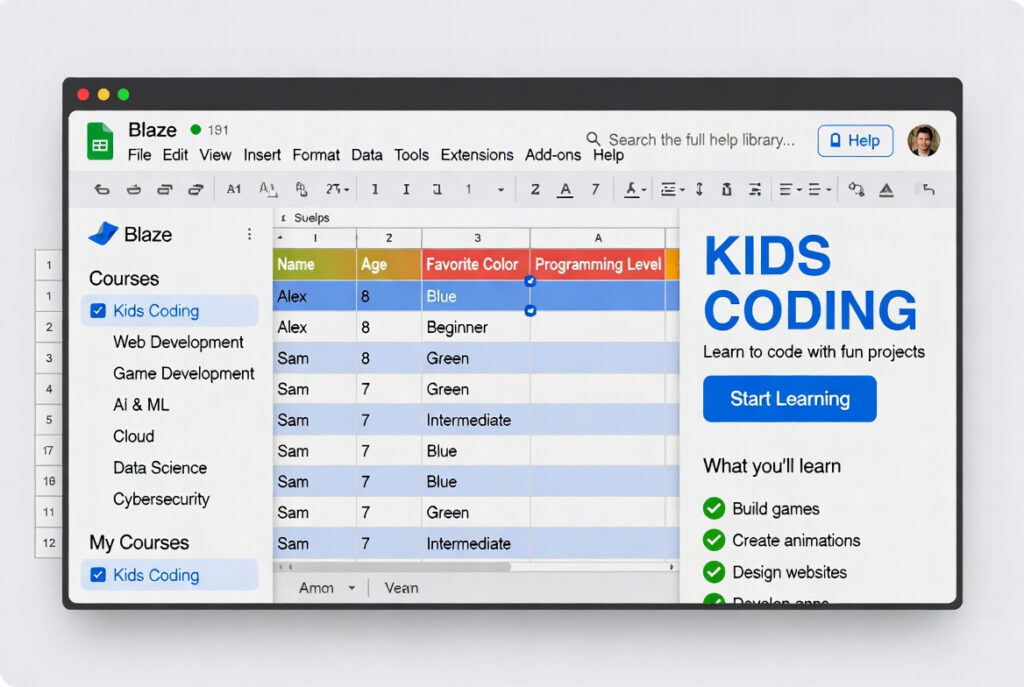
First, Google Sheets helps kids create spreadsheets easily. They learn to enter data, make tables, and format cells. Next, kids explore simple formulas like sum and average. Also, it teaches organizing information in a clear way. Moreover, skills in Google Sheets help with school projects.
Fun with Formulas and Charts
Then, kids learn basic formulas and functions step by step. They also create colorful charts to show data visually. This makes learning math and numbers very fun. Additionally, Google Docs skills connect well with Sheets. So, kids see data in new, exciting ways.
Skills for School and Freelancing
Finally, Google Sheets improves problem-solving and logic skills. Kids can make small projects and practice real-world data. Also, learning Sheets can help with simple freelancing tasks. For example, entering data or making reports for clients. Hence, it builds confidence and digital skills for the future.
Why Learn Google Sheets for Kids?
Improve Digital Skills
First, Google Sheets teaches basic computer skills. Kids learn typing, organizing data, and using formulas. Next, they become confident with digital tools. Also, Sheets makes math and data fun to learn. Therefore, these skills help in school and life.
Boost Creativity and Problem Solving
Then, kids make charts, graphs, and colorful tables. They solve simple problems using formulas and functions. Moreover, it helps them think logically and creatively. Also, they can combine Google Docs for projects. Hence, kids enjoy learning while building real skills.
Freelancing and Career Prep
Finally, Sheets skills can help with small online jobs. Kids can do simple data entry or create reports for clients. Also, it prepares them for future courses like Excel or Data Analysis. Moreover, early exposure builds confidence for freelancing. So, learning Sheets opens opportunities for school and work.
How to Learn Google Sheets for Kids?
Start with Basics
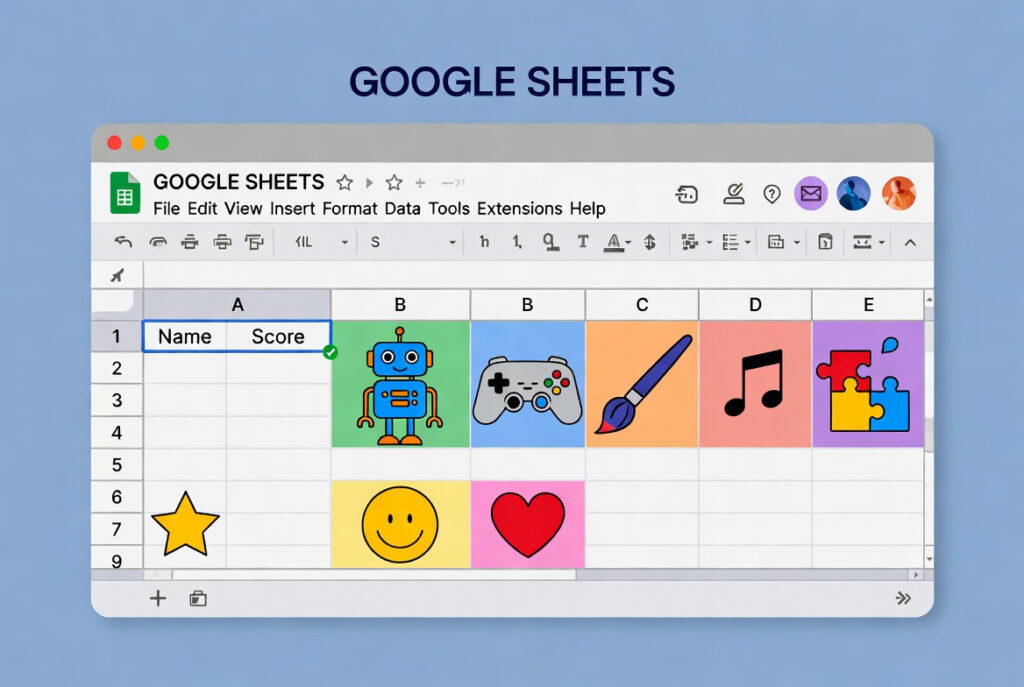
First, open Google Sheets and explore cells and rows. Next, learn to type data and format tables. Then, practice simple formulas like sum or average. Also, explore colors and basic charts for fun. Thus, kids learn step by step with ease.
Practice with Mini Projects
Then, make small projects like a shopping list or school timetable. Kids try creating charts and using formulas in real tasks. Next, share their Sheets with friends or teachers for feedback. Also, combine it with Google Docs for reports or homework. Hence, learning becomes hands-on and exciting.
Explore Advanced Skills Slowly
Finally, learn basic functions like IF and COUNT. Kids can sort data and make interactive tables. Next, explore templates and collaboration features. Also, try simple freelancing tasks to practice skills. Therefore, Sheets becomes a powerful tool for school and beyond.