
AutoCAD 2D & 3D course introduction
Learn AutoCAD 2D Basics:
First, kids start with AutoCAD 2D drawing. They learn shapes, lines, and simple designs. Next, they practice layouts and basic tools. So, they understand how real designs work. Moreover, 2D skills help in future freelancing projects.
Explore AutoCAD 3D Modeling:
Then, kids move to 3D modeling in AutoCAD. They create objects, buildings, and fun designs. Also, they learn to rotate, view, and edit 3D shapes. As a result, creativity and imagination improve fast. So, 3D skills match with SketchUp basics course.
Career Skills and Freelancing:
Finally, kids learn project planning and finishing. They can share designs online for freelancing. Moreover, AutoCAD skills help in architecture. Also, small projects teach time management and precision. Thus, learning AutoCAD 2D & 3D opens many opportunities.
Why Learn AutoCAD 2D & 3D?
Boost Creativity and Skills:
First, AutoCAD helps kids think creatively. They design objects, buildings, and fun projects. Next, they learn drawing, planning, and modeling. So, imagination grows with every project. Moreover, 2D & 3D skills prepare kids for future careers.
Early Career Opportunities:
Then, learning AutoCAD opens career paths early. Kids can explore architecture and design. Also, small freelancing projects give real-world experience. As a result, they build confidence and technical skills. Therefore, early learning creates future-ready students.
Connect with Related Tools:
Finally, AutoCAD connects with other tools like SketchUp. It makes learning 3D design easier and fun. Additionally, kids learn basic project planning and layouts. This combination improves creativity and technical skills. Thus, kids get a strong foundation for design careers.
How to Learn AutoCAD 2D & 3D?
Start with 2D Basics:
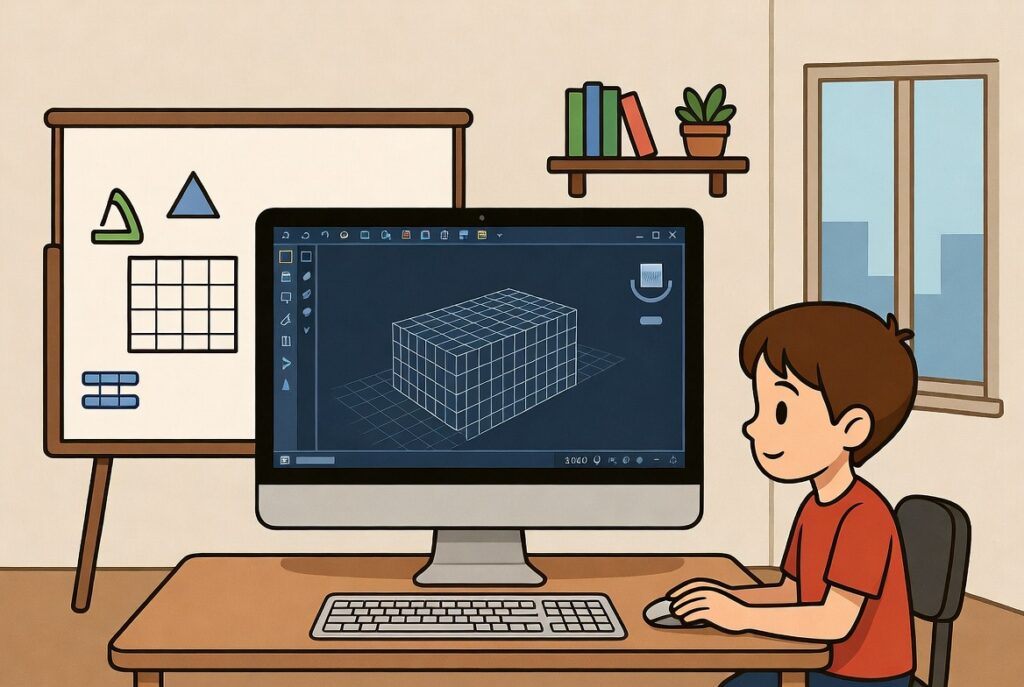
First, learn lines, shapes, and simple drawings. Practice creating layouts and simple designs daily. Next, explore layers, dimensions, and editing tools. So, basics become easy and clear quickly. Moreover, practice builds confidence for 3D work.
Move to 3D Modeling:
Then, learn to create 3D objects and buildings. Rotate, view, and edit shapes in fun ways. Also, add colors, textures, and realistic details. As a result, kids understand real-world 3D design. So, small projects can be shared online or freelanced.
Use Projects and Related Courses:
Finally, work on mini-projects regularly for practice. Combine AutoCAD with SketchUp for more skills. Also, try designing small houses, toys, or rooms. So, learning becomes practical and exciting. Thus, kids gain skills for school, freelancing, and future careers.