App Designing course for kids Introduction
What is App Designing for Kids?
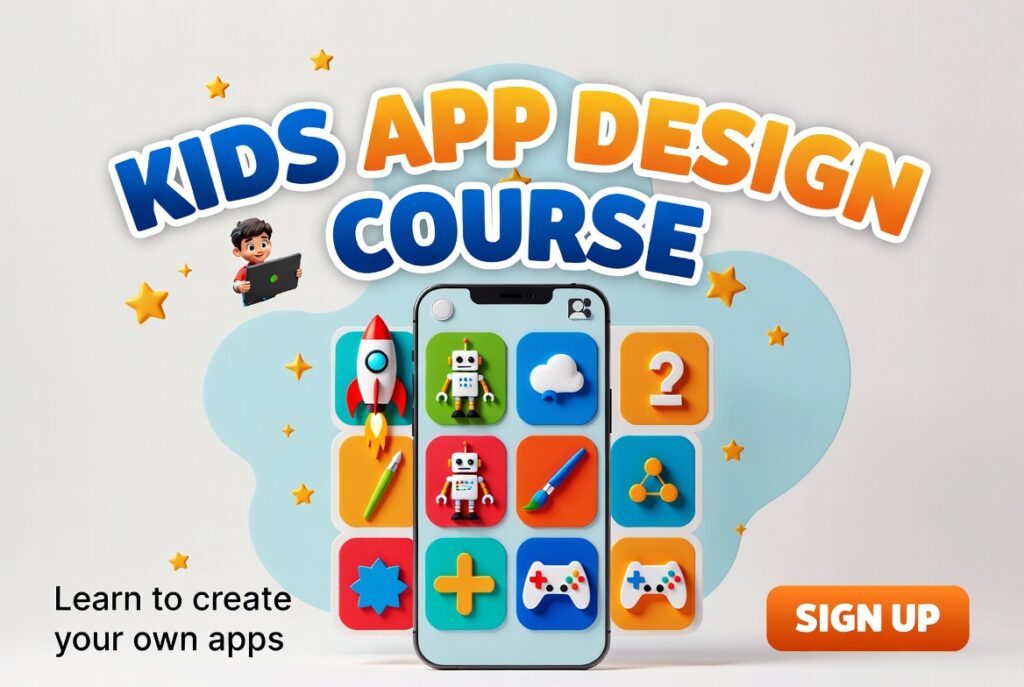
First, App Designing teaches kids how to create apps. They learn simple layouts, colors, and buttons. Moreover, kids use creativity to make fun apps. This course uses easy tools like Figma for kids. So, learning app design becomes fun and interactive.
How Kids Learn App Designing?
Next, kids start with drag-and-drop tools. They design screens, icons, and app flow. Additionally, teachers explain step by step. Kids also practice building small projects daily. So, they gain confidence and coding basics.
Why App Designing is Useful?
Finally, app designing builds creativity and logic skills. Kids can create apps for school or hobbies. Also, it introduces freelancing opportunities early. Moreover, they learn problem-solving while designing apps. Hence, app designing opens doors to tech careers.
Why Learn App Designing for Kids?
Boosts Creativity:
First, designing apps helps kids think creatively. They choose colors, shapes, and layouts. Moreover, creativity improves problem-solving skills. Kids also explore new ideas while making apps. Hence, app designing learning fun and active.
Builds Technical Skills:
Next, kids learn basic coding and app logic. They use tools like Figma or MIT App Inventor. Additionally, they practice designing real screens. As a result, kids gain confidence in tech skills. This prepares them for future tech opportunities.
Opens Freelancing Opportunities:
Finally, kids can design simple apps for others. They can earn small projects online with guidance. Also, it teaches early freelancing. They learn to showcase apps in portfolios. Thus, app designing can start a future career.
How to Learn App Designing for Kids?
Start with Simple Tools:
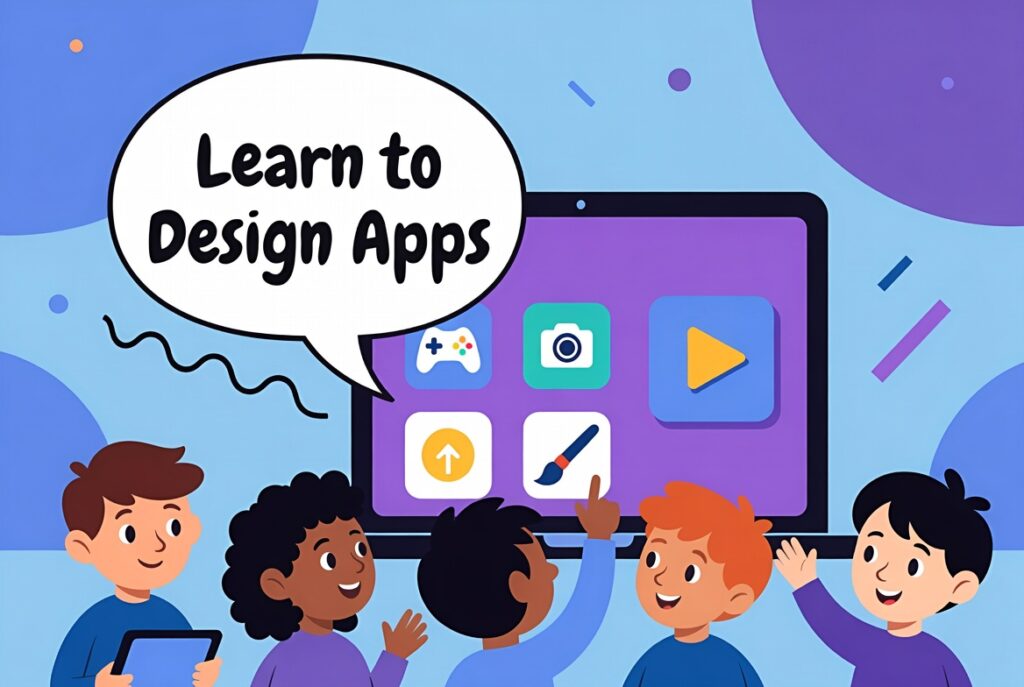
First, use tools like Figma or MIT App Inventor. Drag-and-drop features make learning easy. They design buttons, screens, and layouts step by step. Also, kids learn by seeing instant results. This builds confidence and curiosity early.
Practice with Mini Projects:
Next, kids create small apps like a calculator or quiz. Daily practice helps them remember steps quickly. Additionally, they learn how screens connect and flow. Projects show creativity and problem-solving. Hence, practice makes them ready for bigger apps.
Explore Advanced Features:
Finally, kids can add animations, sounds, or simple logic. They also learn about app testing and fixes. Moreover, teachers can guide them in small coding steps. This helps them make professional-like apps. Thus, kids gradually become skilled app designers.