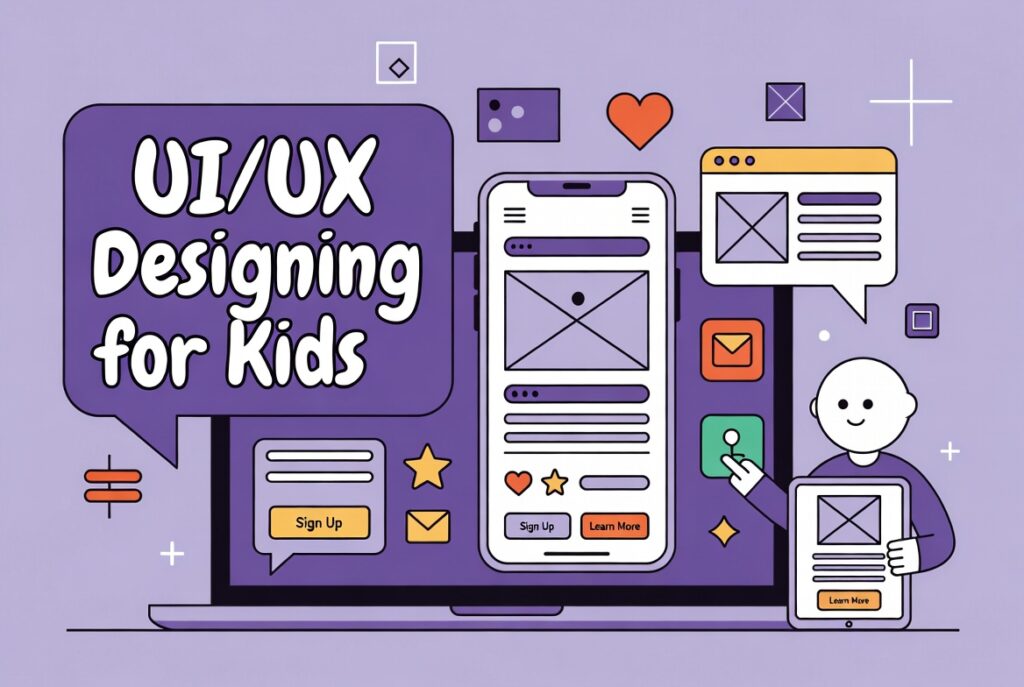
UI/UX Designing course for kids introduction
What is UI/UX Design for kids?
First, UI/UX design helps make apps and websites fun. Kids learn how to design screens and buttons easily. They explore colors, shapes, and layouts creatively. Moreover, design improves imagination and thinking. Also, courses like Figma teach simple design tools.
How Kids Learn Design Skills:
Next, kids use simple tools like Canva and Figma. They practice making buttons, menus, and icons. As a result, they know what makes apps easy to use. They also learn to test designs with friends. Hence, practice helps them build real projects.
Opportunities and Freelancing:
Finally, kids can create designs for small projects. Freelancing earns while learning design skills. They can make logos, posters, or website designs. Also, UI/UX skills help in other courses like Graphic Design. Thus, kids start learning early for future opportunities.
Why Learn UI/UX Designing for Kids?
Boost Creativity and Imagination:
First, UI/UX design helps kids think creatively. They learn to use colors, shapes, and layouts. So, they create fun and interactive apps. Also, design encourages problem-solving skills early. Hence, kids develop imagination while having fun.
Early Tech Skills for Future:
Next, kids learn digital skills in a fun way. They use tools like Figma and Canva easily. So, they understand apps and websites better. Also, these skills prepare them for tech courses. Thus, learning early gives them a head start.
Freelancing and Real Opportunities:
Finally, kids can create small projects for others. Freelancing helps them earn while learning design skills. They can design logos, posters, or simple websites. Also, UI/UX skills connect with Graphic Design courses. Therefore, early learning opens real-world opportunities.
How Kids Can Learn UI/UX Designing?
Start with Simple Tools:
First, use beginner-friendly tools like Figma or Canva. Kids drag and drop shapes, colors, and buttons. They learn layouts by practicing fun projects. Moreover, tutorials make learning step-by-step easy. Thus, simple tools build strong design basics.
Practice with Mini Projects:
Next, create small apps, websites, or posters. Kids experiment with colors and interactive buttons. As a result, they understand what works for users. Also, sharing projects with friends improves skills. Hence, practice makes learning exciting and real.
Explore Courses and Guidance:
Finally, join courses like “Figma Basics for Kids.” They learn design concepts in a guided way. Additionally, mentors teach feedback and improvements. Kids also see examples of real UI/UX designs. Thus, courses make learning structured and fun.